Unlock More with
the AEON Wallet app

Shop, pay, earn points — and repeat! Your one-stop app to manage it all — from Wallet and Cards to Loans.

Features and Benefits

Explore the smart features that help you earn, pay, and stay protected on the go.

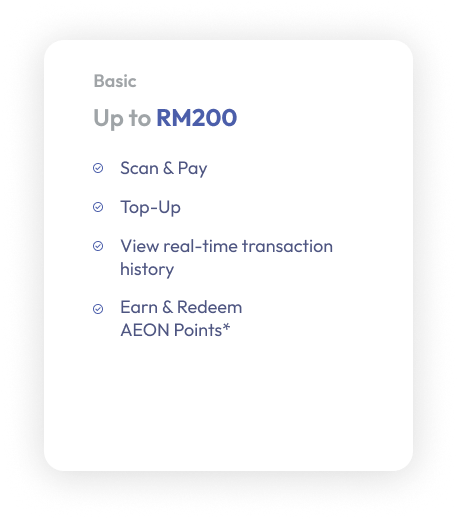
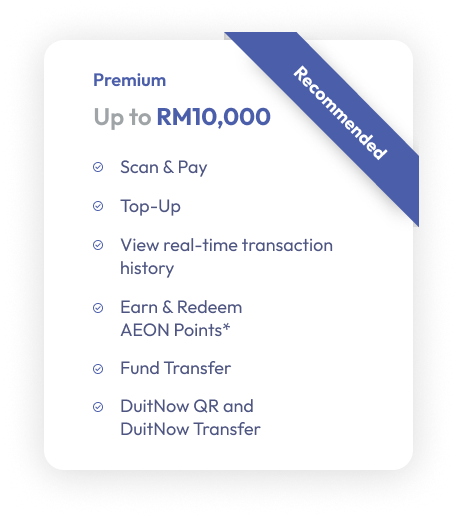
Basic or Premium Wallet – What’s the Difference?

*AEON Points

Earn up to 2X AEON Points for every RM1 spent for member recognition and payment at AEON Stores, AEON BiG Hypermarkets, AEON MaxValu Prime, AEON Wellness and Daiso By AEON.

QR PAYMENT

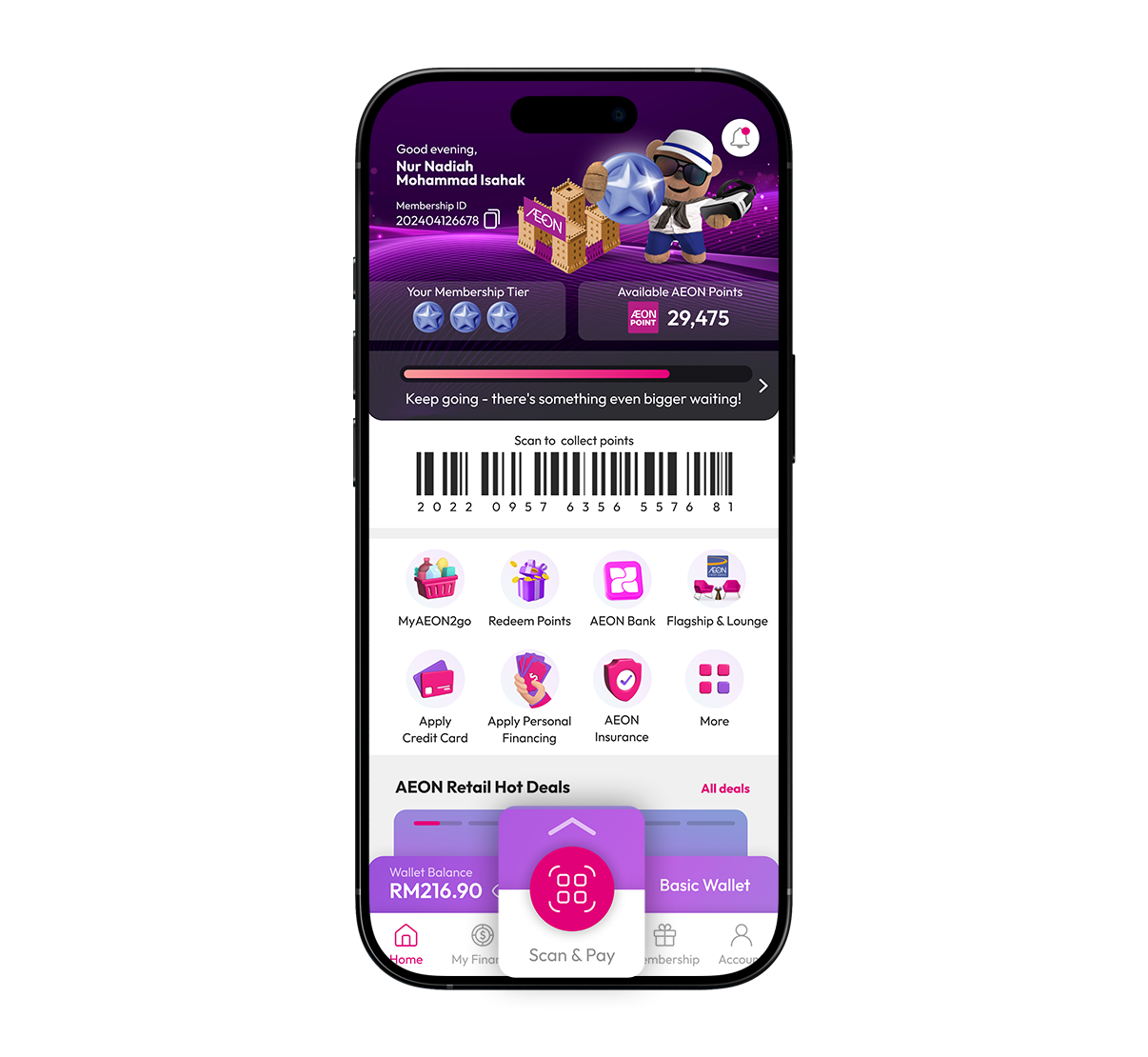
Paying with the app is as easy as 1-2-3. Now you can Scan & Pay with AEON QR and DuitNow QR!

1
Login to AEON Wallet app and click on 'Scan & Pay'.
2
Scan the QR code at merchant terminal - AEON QR or DuitNow QR.
3
Payment successful.
Step 1 Image

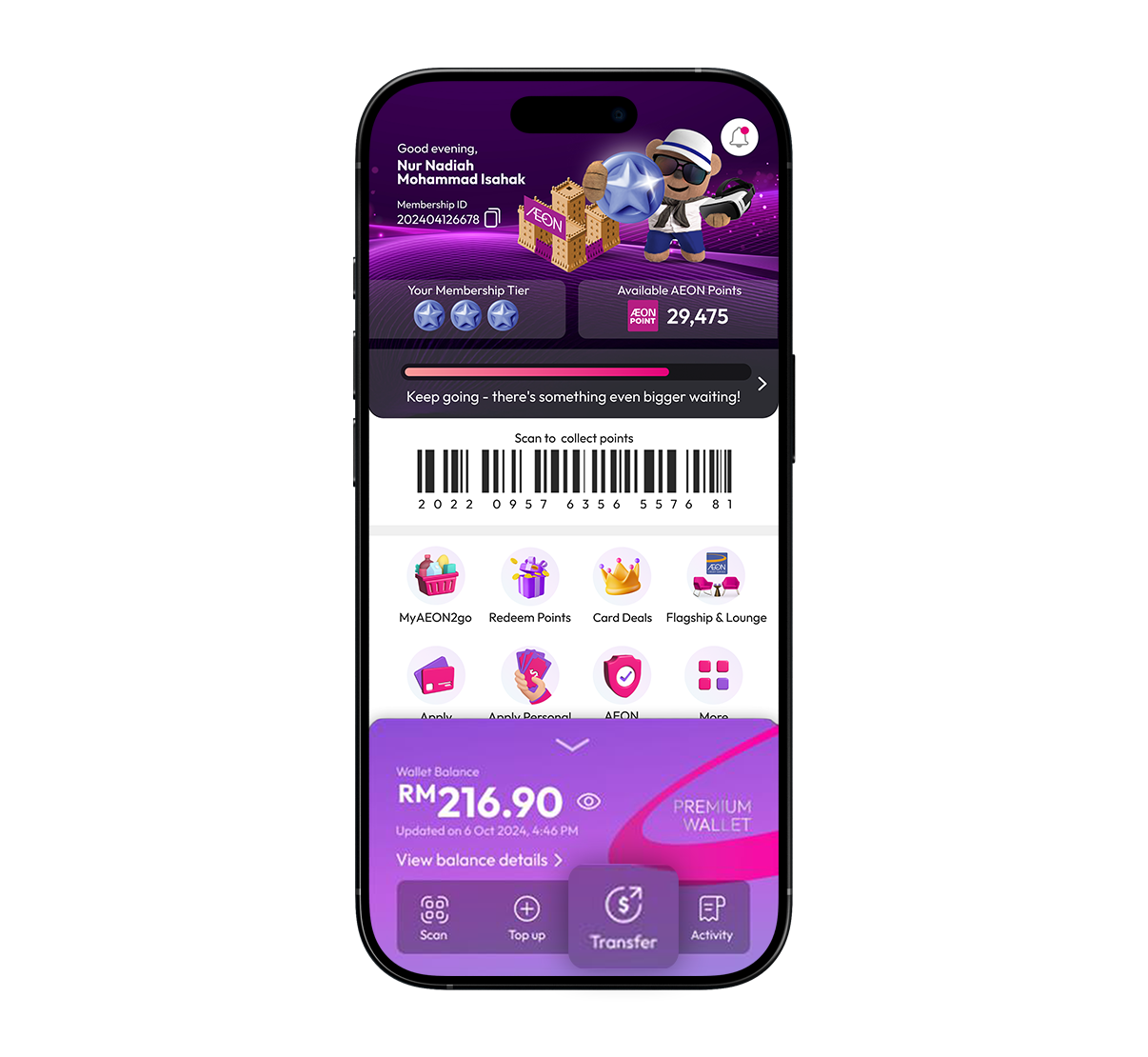
Transfer money instantly to AEON Wallet users or any bank via DuitNow in just a few taps.

1
Login to AEON Wallet app and click on "Transfer".
2
Select transfer method - AEON Wallet or DuitNow and enter recipient details.
3
Confirm recipient details and enter amount.
4
Transfer successful
Step 2 Image

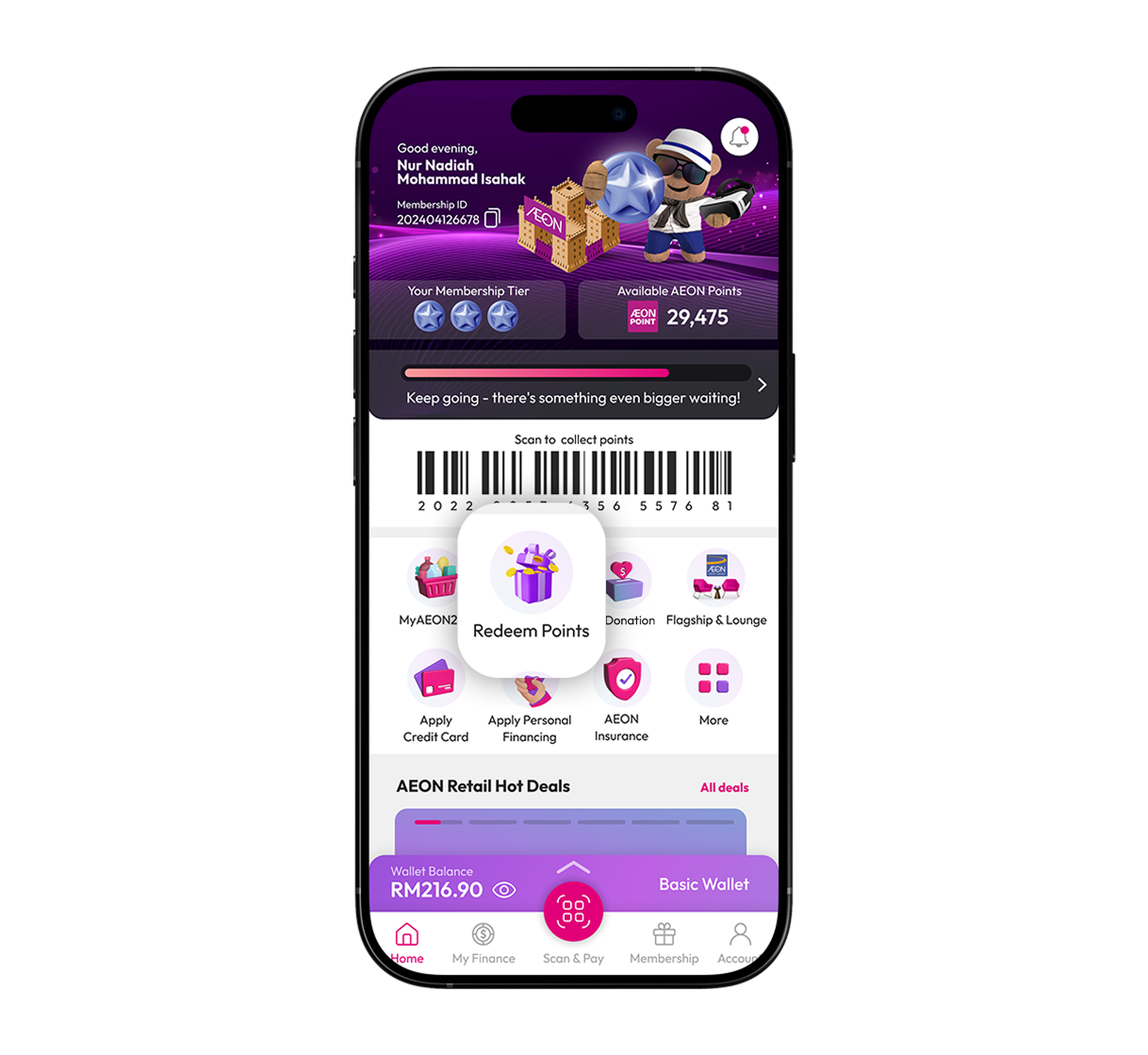
All your points, now in the app. Earn them on the go and turn them into cash anytime.

1
Login to AEON Wallet app and click on 'Redeem Points'.
2
Key in the points value.
3
AEON Points will turn into cash and credited to your preferred product.
Step 3 Image

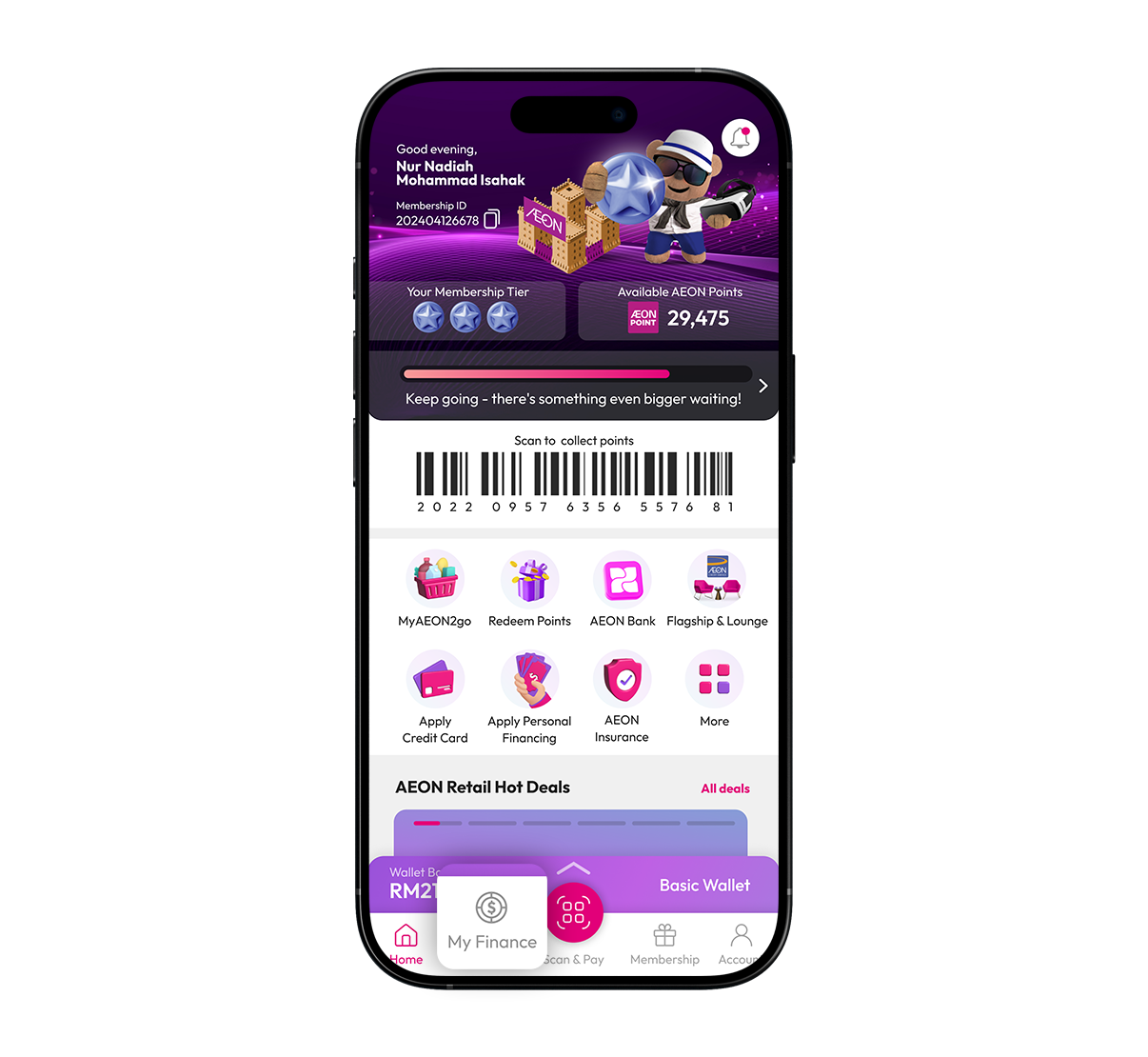
Now you can check your balance and transaction history in real-time.

1
Login to AEON Wallet app and click on 'My Finance'.
2
Choose your product to view the balance.
3
Click on 'View all' to view the transaction history.
Step 4 Image

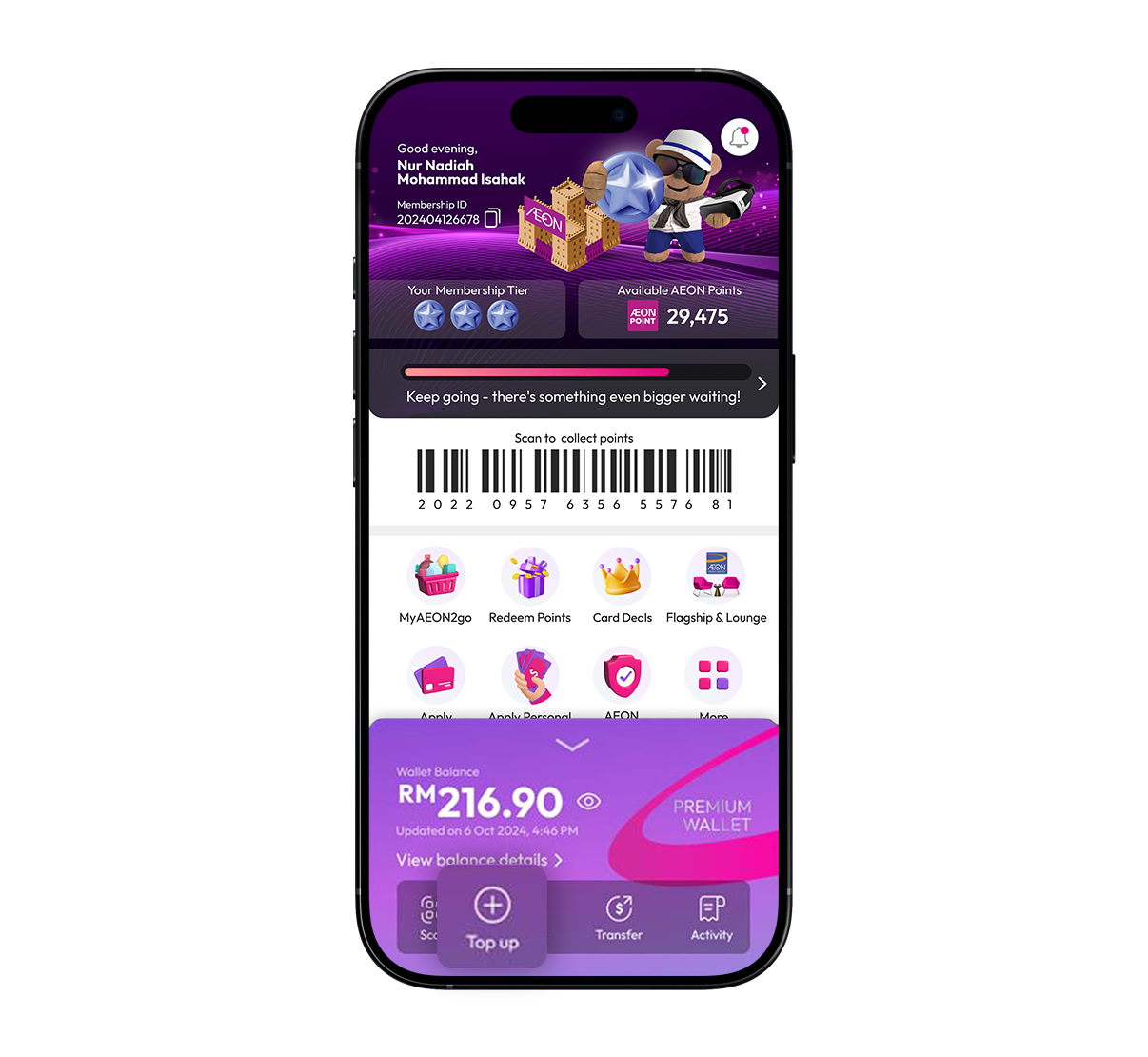
Now you can top up conveniently anywhere, anytime with no extra charges.

1
Tap on "Top up".
2
Select top up method - Online Banking or DuitNow Transfer and enter amount.
3
Top up successful.
Step 5 Image

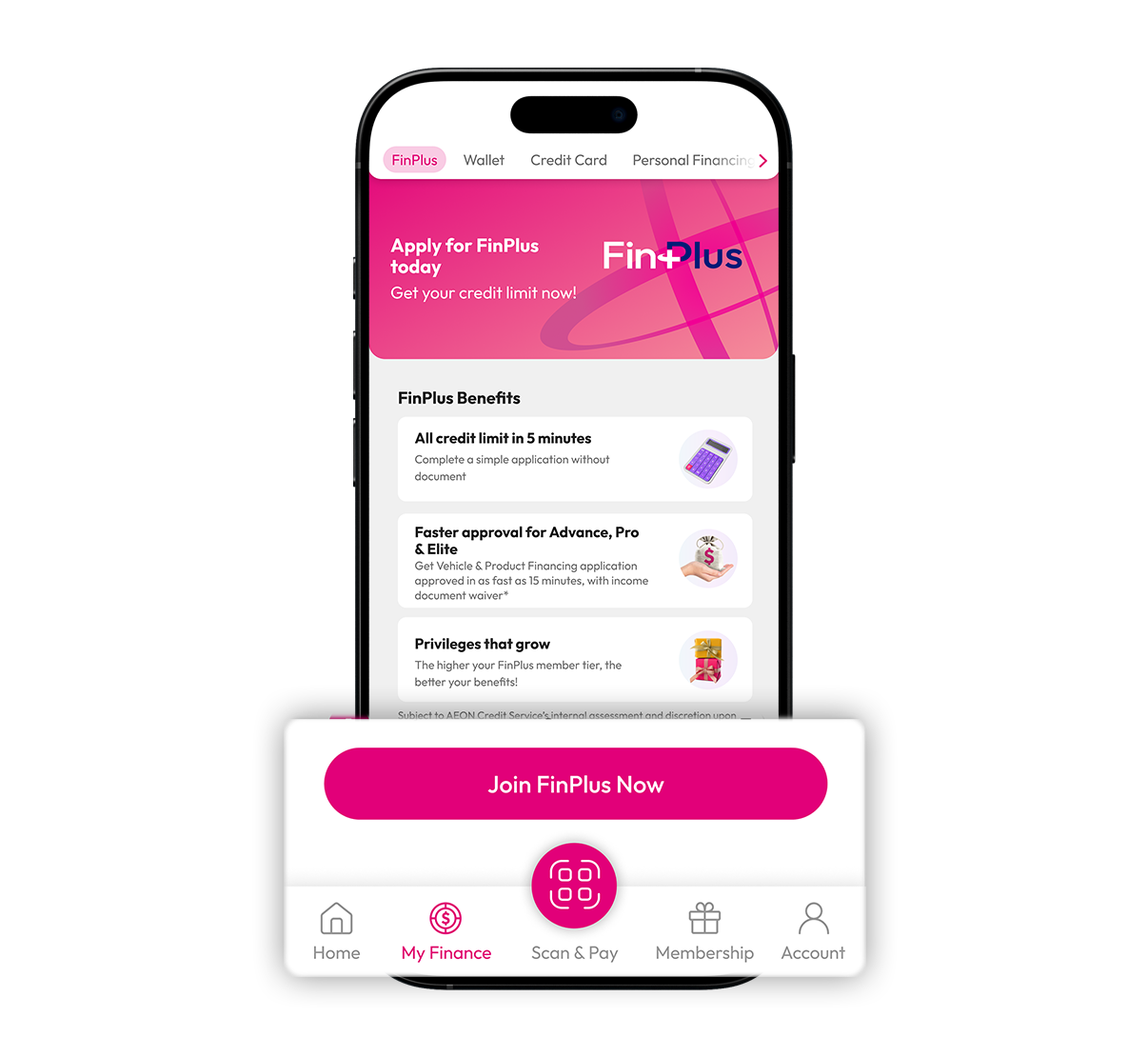
Unlock your credit limit and enjoy smoother applications for all AEON Credit products.

1
Click on My Finance & click Join FinPlus Now.
2
Key in your gross & net salary, then click Submit.
3
Check your conditional credit limit & select Personal Financing or Credit Card to apply online.
4
Check your conditional credit limit, then visit our merchant store & select Vehicle or Product Financing to apply.
5
Click on Scan QR Code, then scan the QR displayed by our merchant to proceed your application.
Step 6 Image

FAQs

See All FAQs

Terms & Conditions

s